







Most contractors who end up unhappy with their construction scheduling software got exactly the product they asked for. The problem was the question.
The phrase describes two different tools. One schedules the project: activities, dependencies, critical path, the six-week lookahead. The other schedules the people: who is on which site tomorrow, whether their certification is current, whether the excavator is double-booked. Both are sold as construction scheduling software, and neither answers the other's question.
The practical consequence is that many contractors end up running both. Intuit's 2025 construction research found the typical firm already operates 10 separate apps, and 92% would prefer a single integrated platform.
This comparison covers 13 tools across both categories. We build custom construction software for contractors, so the reads on field usability and integration risk come from the gap between what a tool promises and what a superintendent will open on a Tuesday morning.
TL;DR: Construction Scheduling Software in 2026
- Complex CPM and claims exposure Oracle Primavera P6
- CPM with 4D BIM, strong in UK and Europe Asta Powerproject
- CPM combined with Lean planning Planera
- Schedule optimisation on very large projects ALICE Technologies
- Lookahead and field planning Outbuild
- Last Planner and pull planning Touchplan
- Scheduling inside a platform you already run Procore Schedule
- Residential building and remodelling Buildertrend
- Field task coordination and offline use Fieldwire by Hilti
- Crew and equipment dispatch with compliance Assignar
- Crew scheduling tied to job costing Workyard
- Getting crews off paper field tickets CrewTracks
- General-purpose Gantt, office only Microsoft Project
Not sure which of the two you need?
Describe the one scheduling question you cannot answer today. Asad will tell you which of the two problems you have and which tools here address it. A five-minute answer, not a sales call.
What is Construction Scheduling Software?
Construction scheduling software is any system used to plan, sequence, and update construction work over time. The category splits into project scheduling tools that manage tasks, dependencies and the critical path, and crew scheduling tools that manage which people and equipment go to which site on which day.
Most roundups list both types together as though they compete. A CPM engine will not tell your foreman who is on site tomorrow. A crew scheduler will not calculate float or defend a delay claim.
Project Scheduling or Crew Scheduling: Which Problem Do You Have?
If your problem is that you cannot tell when the job will finish or what is driving the delay, you need project scheduling. If your problem is that you cannot tell who is working where tomorrow, you need crew scheduling.
| The symptom you have | The category you need | What it looks like |
|---|---|---|
| Nobody can say what is driving the finish date | Project / CPM scheduling | Critical path, float, dependencies, delay analysis |
| The schedule is accurate in the office and fiction on site | Lookahead / Last Planner | Six-week lookaheads, weekly work plans, commitment tracking |
| You do not know who is on which job tomorrow until someone phones | Crew / labor scheduling | Drag-and-drop crew assignment, mobile dispatch, GPS |
| You double-booked an excavator, or sent an uncertified operator | Crew scheduling with resource compliance | Equipment allocation, certification expiry tracking |
| The owner wants a monthly report nobody in the field uses | You have a process problem, not a software problem | See the failure-modes section below |
In construction builds, the buyers who end up dissatisfied are usually the ones who bought a CPM tool to answer a crew question. The tool works exactly as designed, and it still does not answer the thing they wanted. Before shortlisting anything, write down the question you cannot answer today. That sentence names the category.
How Do the Leading Construction Scheduling Tools Compare?
Thirteen tools across both categories. Field usability and sentiment use fixed scales; pricing shows a distinct muted state where a vendor discloses nothing.
| Oracle Primavera P6 | CPM | Weak | Positive with recurring concerns | Not publicly disclosed | Oracle |
| Asta Powerproject | CPM, 4D BIM | Weakoffice-based | Generally positive4.2 (17) | Not publicly disclosed | Elecosoft |
| Planera | CPM plus Lean | Strongfull iPad web app | Limited evidenceNo published reviews | Volume-based, not per-user | Independent, VC-backed ($26.5M) |
| ALICE Technologies | CPM simulation | Moderate | Limited evidenceNo published reviews | Not publicly disclosed | Independent, VC-backed ($68.4M) |
| Outbuild | Lookahead plus master schedule | Strong | Generally positive | Not publicly disclosed | Independent · Hilti Venture investor |
| Touchplan | Last Planner, Takt | Strong | Positive with recurring concerns4.3 (199) | Quote on request | MOCA Systems (MSI) |
| Procore Schedule | Module, CPM-lite | Moderate | Generally positive4.6 | Not publicly disclosed | Procore |
| Buildertrend | Module, calendar-based | Moderate | Positive with recurring concerns | Published tiers | Independent |
| Fieldwire by Hilti | Task-level, project-style | Strongworks offline | Generally positive4.5 (405) | Free tier plus 4 paid plans | Hilti (acquired 2021) |
| Assignar | Crew & equipment dispatch | Strong | Positive with recurring concerns72 reviews | Quote on request | Independent, VC-backed |
| Workyard | Crew scheduling plus job costing | Strong | Generally positive102 reviews | From $6/user/mo plus $50 base | Independent, VC-backed ($10.7M) |
| CrewTracks | Crew scheduling & timekeeping | Strong | Generally positive4.8 (13) | Not publicly disclosed | Independent |
| Microsoft Project | CPM, general purpose | Weak | Positive with recurring concerns4.4 (2,036) | Published tiers | Microsoft |
Four of these thirteen sit inside somebody else's strategy. Hilti owns Fieldwire outright and Hilti Venture is an investor in Outbuild, so a tool manufacturer has positions in two of them. Touchplan is a MOCA Systems product. Planera counts Zachry Construction, a major contractor, among its investors. None of that is a mark against any of them, but roadmaps follow ownership, and it is worth knowing whose interests sit behind the product you standardise on.
Two tools on this list have no published independent reviews at all: Planera's G2 profile was unclaimed with zero reviews as of June 2026, and G2 lists ALICE Technologies at zero reviews despite the company operating since 2015. Both are among the more interesting products here, and both would have you commit your master schedule with no independent user record to check. That is a buying consideration, not a criticism of the software.
Six of these thirteen publish no figures. If you need a budget before a sales call, that narrows your list, and the same opacity runs through construction management software costs.
What Criteria Should You Use to Compare Construction Scheduling Software?
Seven criteria separate these tools in ways that change the decision: scheduling method supported, field usability, offline behaviour, named integrations, schedule data portability, pricing transparency, and ownership status. Method support is the criterion buyers skip most often, and the one that most often explains a bad fit.
CPM, Last Planner, or lookahead. The fit that decides every other criterion.
Skipped most oftenWhether a foreman will actually open it on a phone on a Tuesday.
Does it still work on a site with no signal.
Which systems it reads and writes, and in which direction.
How cleanly your master schedule exports if you leave.
Published figures versus quote-on-request.
We did not run hands-on tests of these products, and we are not going to imply otherwise. This is a public-evidence evaluation built from three inputs: vendor documentation, pricing pages and release notes; published review data with ratings, counts and check dates; and our own experience building field-facing construction software, which is where the reads on field usability and integration risk come from.
Sentiment uses one scale rather than mixing raw scores with prose: Generally positive, Positive with recurring concerns, Mixed, Limited evidence, Generally negative. Where current ratings were not verified, the label is Limited evidence rather than a guess.
We evaluated 13 tools and excluded several deliberately: Autodesk Construction Cloud and Smartsheet (scheduling is a minor module, not the product), busybusy and ClockShark (time tracking first), Nialli and Hoylu (pull-planning facilitation, not schedule management), Allucent (a front end for P6), and SmartPM and Bluebeam, which are schedule analytics and document markup and not scheduling software at all.
Best Construction Scheduling Software for Project and CPM Scheduling
These four build and maintain the schedule itself. Primavera P6 and Asta Powerproject are established CPM engines, Planera adds Lean planning to a CPM core, and ALICE optimises a schedule you already have.
Oracle Primavera P6
best for complex programmes and claims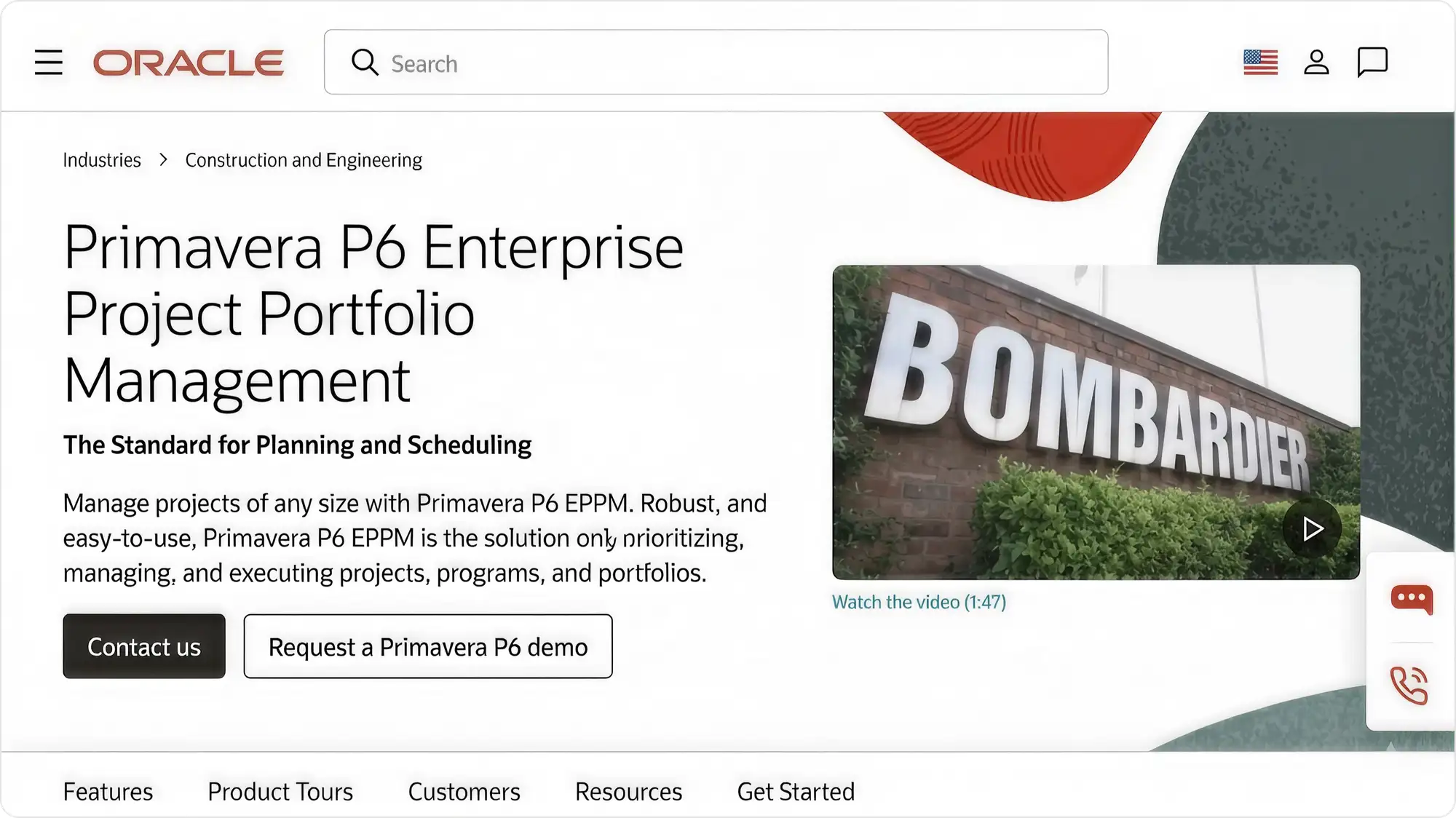
P6 is the reference point the category is measured against, and its XER format is the closest thing construction scheduling has to a lingua franca.
What works
- Deepest CPM and resource levelling on this list
- XER interoperability that owners, consultants and claims processes assume
- The schedule survives handover between parties
What to watch
- Licence cost and setup complexity
- No meaningful field interface
- Needs a trained scheduler to stay current
What happens to the schedule between P6 and the field. In the field apps I have built for contractors, a P6 schedule has usually been flattened into a list of dates by the time a foreman opens it, which is the point where most of the CPM value disappears.
Your contracts require defensible CPM.
The people who need to read the schedule are foremen.
Asta Powerproject
best for CPM with 4D BIM, strong in UK and Europe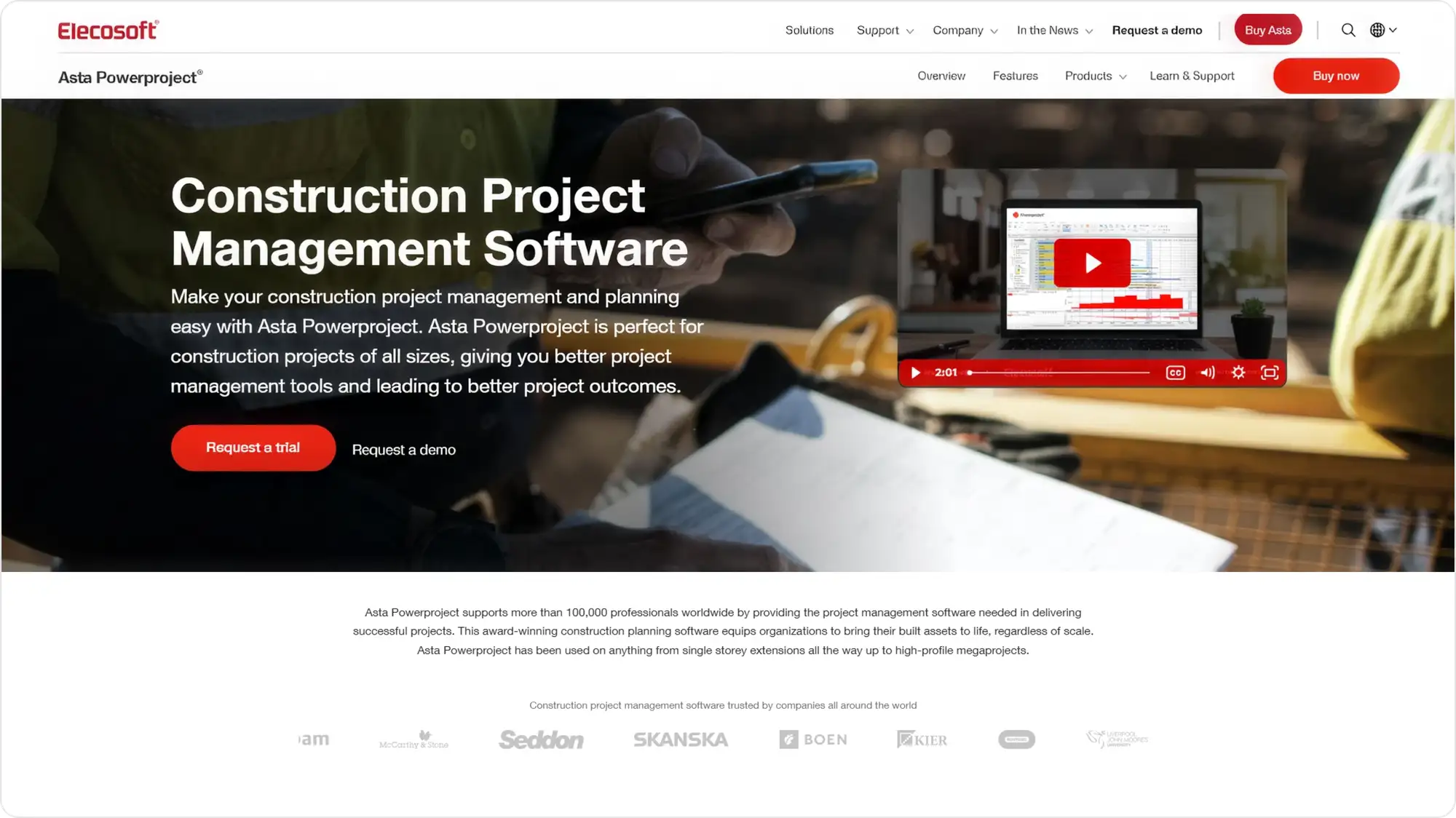
Asta pairs a CPM engine with resource management, cost management and 4D BIM. US roundups cover it thinly, which understates how established it is elsewhere.
What works
- Full CPM with 4D BIM and cost management
- Lighter to run than P6 for schedulers who find P6 oversized
- Strong UK and European base
What to watch
- Office-bound, with field access as a weak point
- Thinner US support ecosystem
- No published pricing
Whether your owner or client will accept Asta deliverables. Interoperability matters more than feature parity once the schedule has to leave your building.
You want CPM depth with 4D and P6 feels oversized.
Field adoption is the problem.
Planera
best for teams who want CPM and Lean in one tool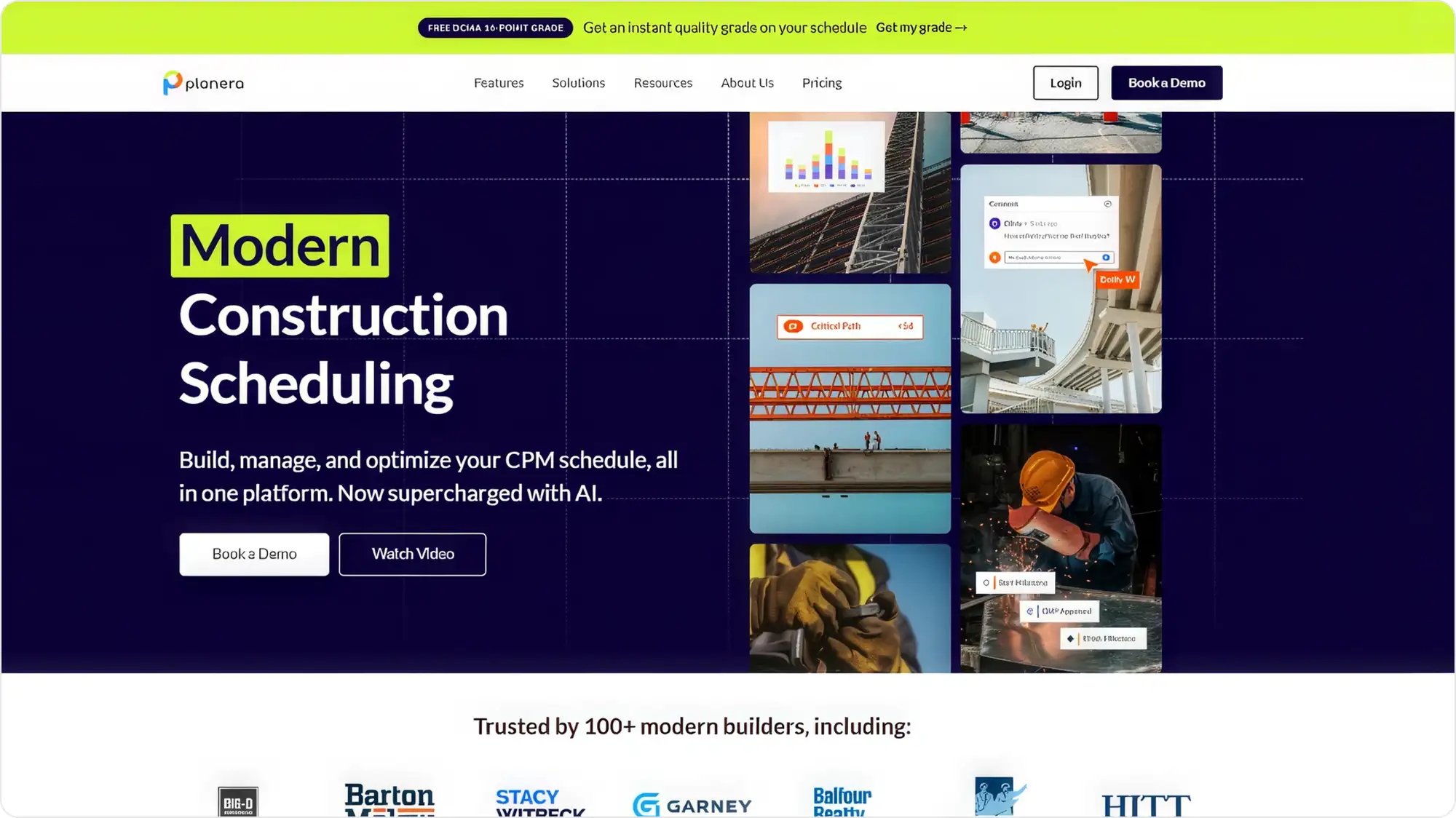
Planera covers both CPM and Lean coordination in one place, with a full iPad web app (vendor-stated).
What works
- Native CPM plus Lean planning, so one tool can replace two
- Volume-based licensing rather than per-user, so subcontractor access is not a cost decision
- Built for tablet use
What to watch
- Newer than P6 and Asta, so the independent evidence base is thinner
- No published figures
The export path. Any tool that owns your master schedule needs a clean way out, and that is the question newer entrants tend to answer least well.
You run two tools today and want one.
Your contracts require P6 deliverables.
ALICE Technologies
best for schedule optimisation on large projects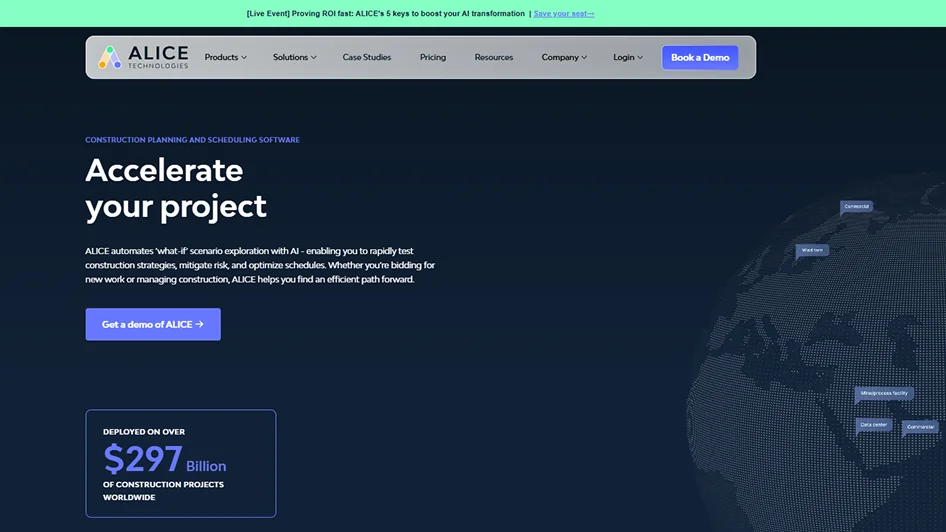
ALICE came out of Stanford research and simulates large numbers of scheduling scenarios to find better sequences, factoring crew size, equipment and site logistics. It imports P6 and Microsoft Project files rather than replacing them.
What works
- Answers a question no other tool here attempts: whether a materially better sequence exists
- Imports P6 and MS Project rather than replacing them
What to watch
- Output quality is bounded by input schedule quality
- No published pricing; aimed at large projects
- Treat vendor-published savings figures as vendor-reported
Whether your current schedule is reliable enough to be worth optimising. Optimising a schedule nobody updates produces a confident answer to the wrong question.
Your projects are large enough that a better sequence is worth real money.
Your schedule is not yet reliable enough to optimise.
Best Construction Scheduling Software for Lookahead and Last Planner in 2026
These two plan the next few weeks with the people doing the work rather than owning the master schedule. Outbuild connects lookaheads back to the master; Touchplan runs Last Planner sessions.
Outbuild
best for connecting the master schedule to what the field does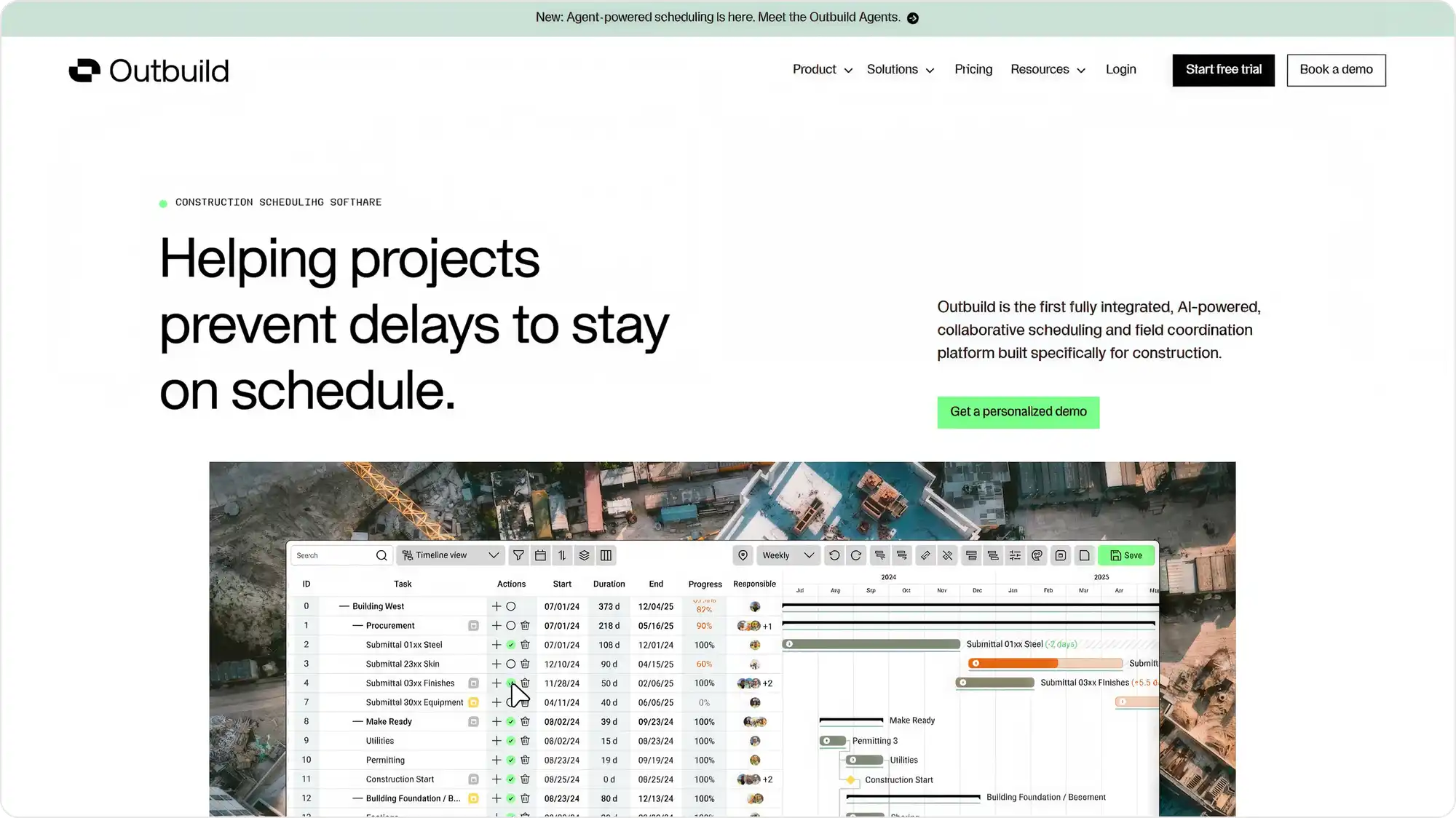
Outbuild links the master schedule, lookaheads and weekly work plans in one platform, with iPad access. It integrates with Procore across the directory, RFIs and submittals, and has added P6.
What works
- Master schedule, lookaheads and weekly work plans in one place
- Review patterns point to fast setup and strong subcontractor participation xE2x80x94 the hard part of lookahead planning
- Procore integration across directory, RFIs and submittals
What to watch
- Review patterns indicate limited CPM depth for enterprise use
- Narrower integration ecosystem than the platform players
- No published pricing
Which system owns the master schedule after you adopt it. Running lookaheads in one tool and CPM in another rebuilds the reconciliation problem you were trying to remove.
Your master schedule and your field plan have drifted apart.
You need claims-grade CPM.
Touchplan
best for pull planning and Last Planner sessions
Touchplan digitises Last Planner and Takt planning, and integrates with P6, Oracle Primavera Cloud and Microsoft Project for master schedule syncing.
What works
- Purpose-built for Last Planner and Takt rather than adapted to it
- G2 reviewers rate quality of support 9.1 of 10 across 148 responses (Aug 2026)
- Syncs with P6, Oracle Primavera Cloud and MS Project
What to watch
- Does not replace a CPM master schedule, so teams commonly run a second tool
- Some reviewers report schedule readability problems
- No published pricing
Whether you are willing to run two systems permanently. In the teams I have seen adopt Touchplan, that is the normal end state rather than a transitional one.
You already run Last Planner sessions.
You want one tool to own the master schedule.
Does scheduling inside Procore, Buildertrend or Fieldwire replace a scheduling tool?
For most contractors, no. Platform scheduling modules are good enough to hold a schedule and show it to the field, and they are rarely deep enough to build and defend one. The realistic pattern is a platform module for visibility plus a dedicated tool for the schedule itself.
Procore Schedule
best if Procore is already your system of record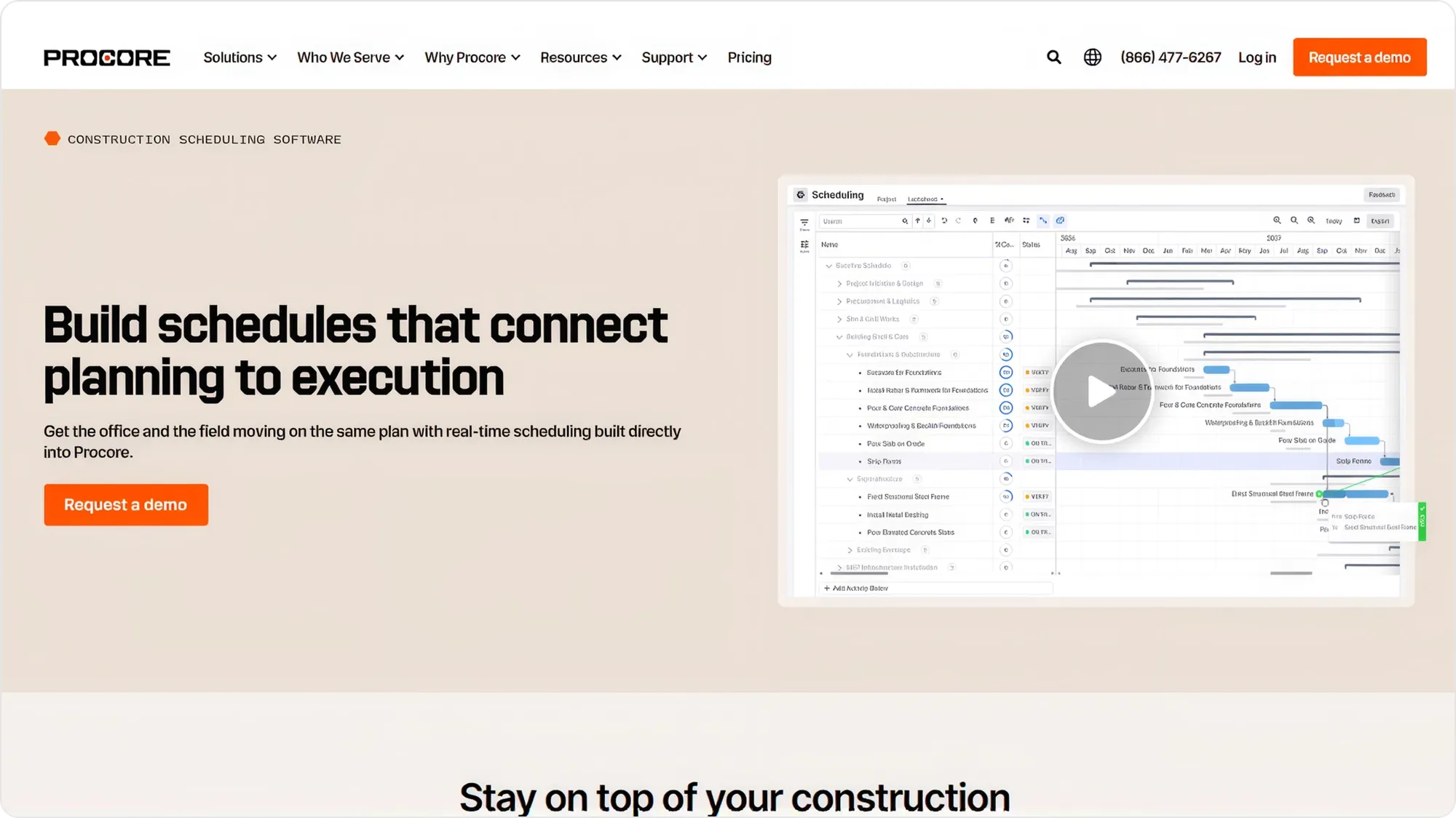
The argument for Procore's schedule module is not depth, it is that the schedule sits next to the RFIs, submittals and drawings it relates to.
What works
- The schedule sits beside the RFIs, submittals and drawings it depends on xE2x80x94 context beats depth more often than feature grids suggest
- One login for teams already standardised on Procore
What to watch
- CPM depth is limited against the specialists
- The value assumes you are already committed to the platform
- No published pricing
Which Procore objects the schedule reads and writes. I have built against Procore's API, and schedule sync is one of its shallower surfaces. Confirm whether activity dates flow back into Procore or only out of it before you assume the module is your system of record.
You are on Procore and your scheduling needs are moderate.
You need claims-grade CPM, which is where some contractors start weighing Procore alternatives instead of a second scheduling tool.
Buildertrend
best for residential builders and remodellers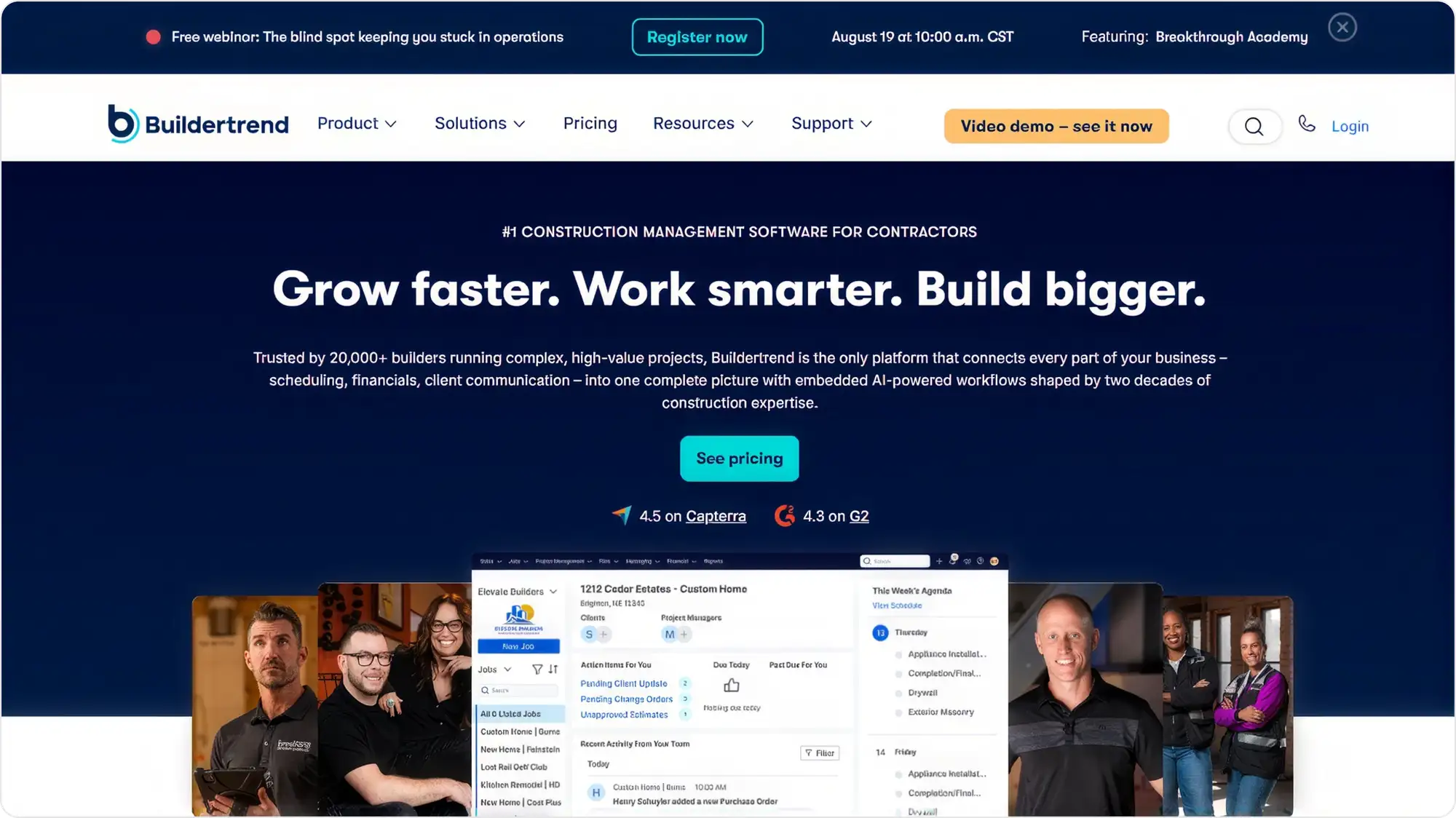
Buildertrend's scheduling is calendar and drag-and-drop rather than CPM, which suits residential work where the coordination problem is subcontractors and homeowners.
What works
- Calendar scheduling that matches how residential work is sequenced
- Connects the schedule to client communication xE2x80x94 half the residential coordination problem
- Published pricing tiers
What to watch
- Not a CPM tool
- Will not scale to complex commercial programmes
Whether your subcontractors will use the client-facing side. Residential scheduling fails on subcontractor adoption more often than on missing features.
You build houses, not hospitals.
You need a critical path or claims-grade CPM.
Fieldwire by Hilti
best for task-level field coordination
Fieldwire is field-first and works offline, which is rare in this list. Its scheduling is task-level and project-style rather than CPM or dispatch.
What works
- Works offline, which is rare on this list
- Crews open it xE2x80x94 the hardest thing any construction tool has to achieve (G2 4.5 from 405 reviews)
- A free tier exists
What to watch
- Scheduling is task-level rather than CPM or dispatch
- Integration ecosystem narrower than Procore's
Whether task-level scheduling is enough for you. Of everything on this list, Fieldwire is the one I see crews open without being chased, and it still does not build a schedule.
The field ignores the schedule.
You need the schedule built here.
Best Construction Crew and Labor Scheduling Software in 2026
Crew scheduling software assigns people and equipment to jobs and days, then pushes that assignment to a phone. It is a different product from project scheduling, and the buying criteria are different: GPS and time capture, certification tracking, and whether the schedule connects to payroll and job costing.
Assignar
best for heavy civil with compliance requirements
Assignar schedules crews and heavy equipment together and checks competency before dispatch, so an expired certification blocks an assignment rather than surfacing in an audit.
What works
- Schedules crews and heavy equipment together
- Blocks dispatch on an expired certification rather than surfacing it in an audit
- Tracks daily production against the bid
What to watch
- Built for heavy civil, so lighter trades may find it more system than they need
- Quote-only pricing
How certification data gets in and stays current. Compliance logic is only as good as the expiry dates behind it, which is a data-entry problem before it is a software one.
You dispatch equipment and certified operators.
You run one small crew.
Workyard
best for crew scheduling tied to job costing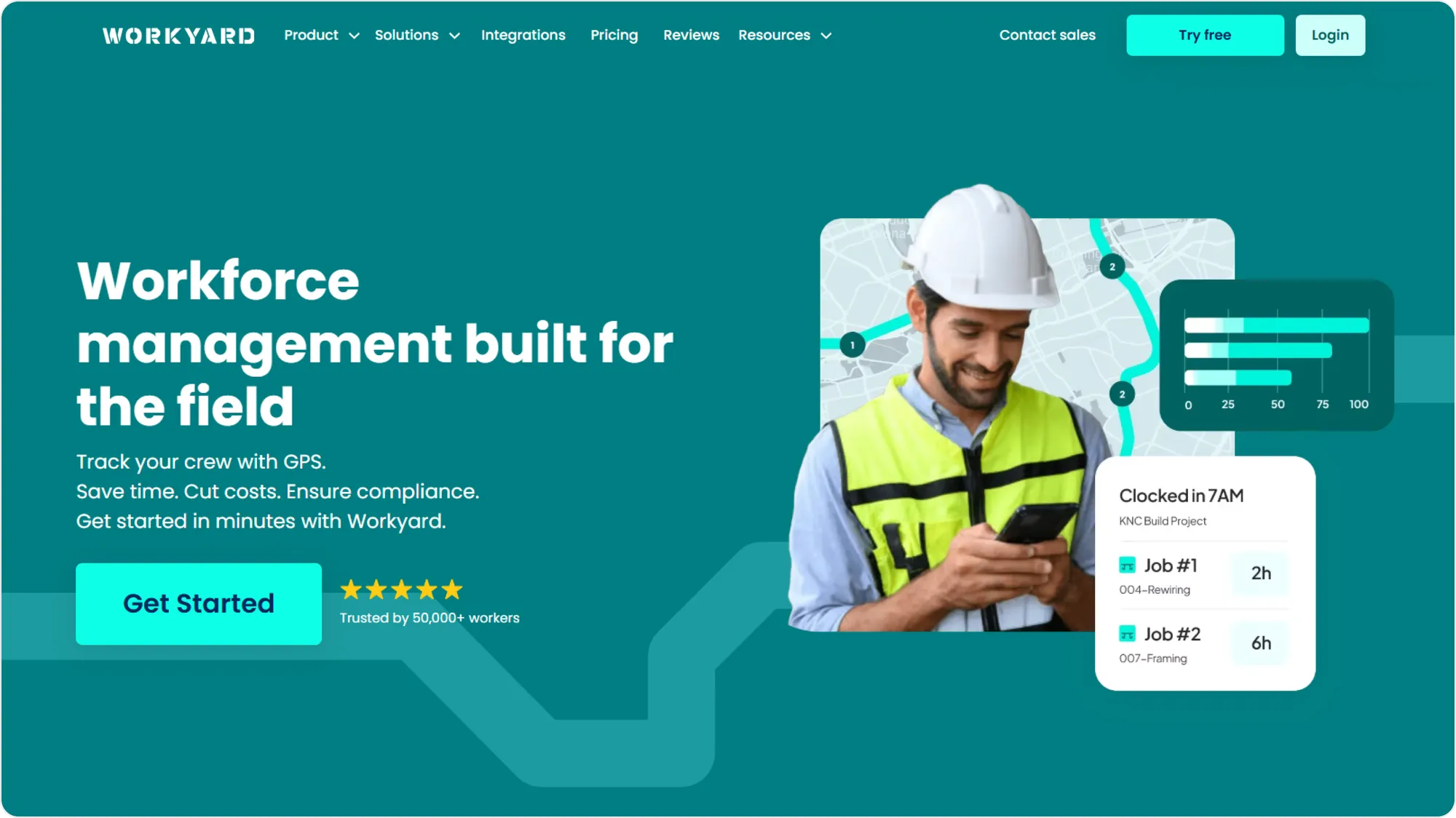
Workyard treats the schedule and the timesheet as the same data, so hours land against cost codes without a second entry. It tracks across job sites without cellular data (vendor-stated).
What works
- Published pricing in a category that hides it
- The schedule and the timesheet are one dataset, so hours land against cost codes without a second entry
- Tracks without cellular data (vendor-stated)
What to watch
- Crew and labour only, with no project sequencing
- Per-user pricing plus a base fee adds up across large crews
How hours map to your cost codes. The return here is job-costing accuracy, and in every implementation I have looked at that rests on the mapping rather than on the GPS.
Labour costs surprise you at month end.
You need a critical path.
CrewTracks
best for crew scheduling with field production tracking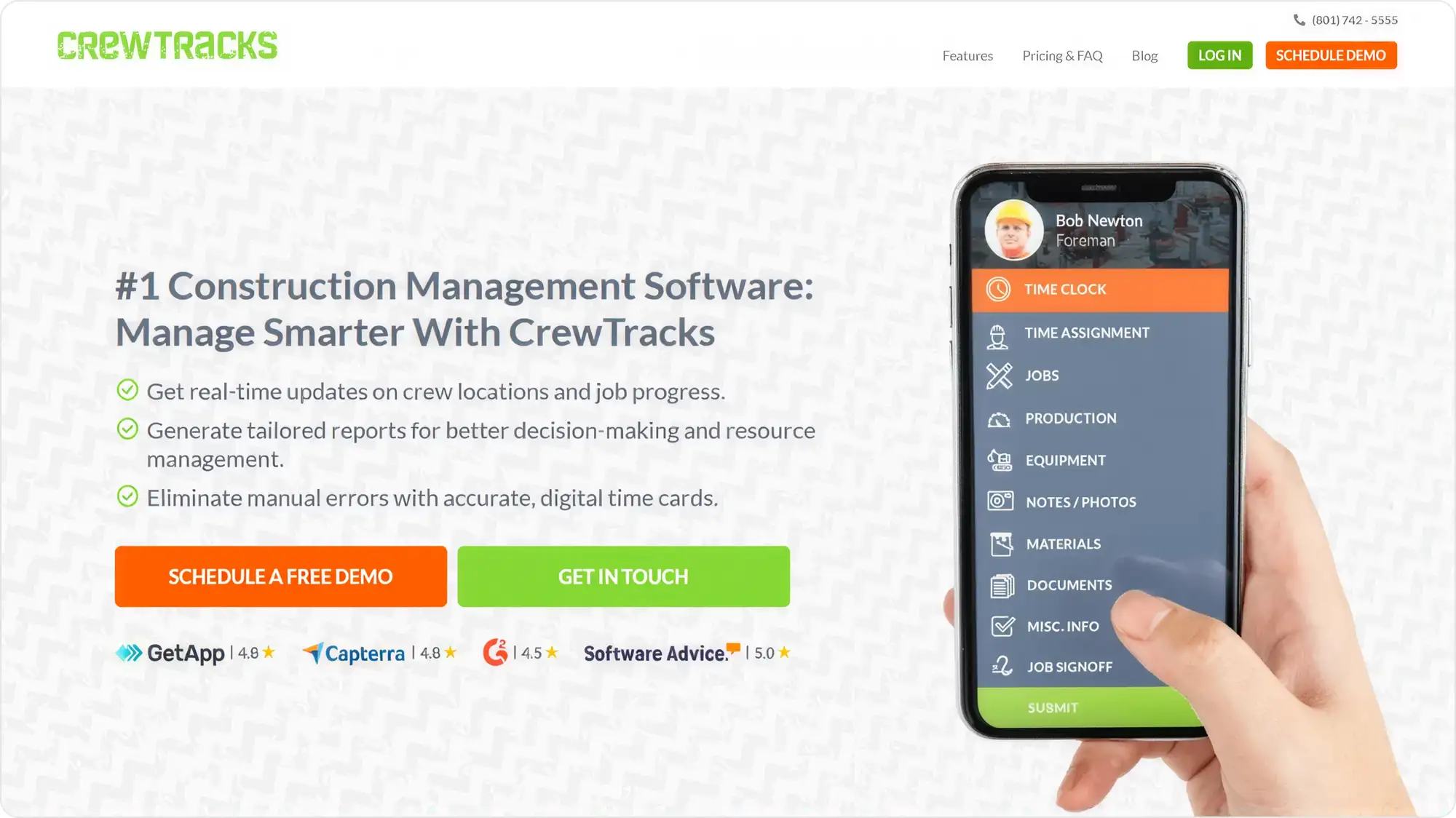
CrewTracks covers crew scheduling, timekeeping and field production reporting, aimed at paper field tickets rather than project sequencing.
What works
- Targets the paper field ticket directly xE2x80x94 where most trade contractors lose time
- Crew scheduling, timekeeping and production reporting in one place
What to watch
- No published pricing
- Thinner independent evidence base than the larger names
What happens to the field data after capture. I have watched teams replace paper tickets and keep retyping the same numbers into accounting, which is half the return for all of the change management.
Your crews still fill paper tickets.
You need CPM.
Can You Use Microsoft Project for Construction Scheduling?
Yes, and many contractors do, but Microsoft Project is a general-purpose CPM tool with no construction-specific logic. It gives you dependencies, Gantt charts and resource allocation, and it does not give you lookaheads, trade commitment tracking, field access, or the XER interoperability that construction contracts often assume.
Microsoft Project
best for a competent Gantt and nothing more
Microsoft Project is a general-purpose CPM tool with no construction-specific logic. It gives you dependencies, Gantt charts and resource allocation.
What works
- Low barrier and widely understood, so training cost is near zero
- MPP format is well supported
- Published pricing tiers
What to watch
- No construction-native features xE2x80x94 no lookaheads, no trade commitment tracking, no XER interoperability
- Weak field usability
Whether the schedule needs to leave the office. MS Project is a competent Gantt tool and a poor field tool, and most contractors discover the second part after rollout.
You need a competent Gantt chart and nothing more.
The schedule needs to reach the field or survive a claim.
A practical concern: vendors in this category market against Microsoft Project's roadmap. Confirm the current product and licensing position with Microsoft directly rather than from a competitor's comparison page.
Shortlisted two or three and still stuck?
Most tools above solve one part of the problem well. We build the integration and field layers between them, so we spend a lot of time in the gaps this comparison describes. A 30-minute call will tell you whether your problem is tool selection, integration, or something no tool here fixes.
How Should You Choose Scheduling Software by Contractor Type?
The TL;DR table maps a scheduling need to a tool. This is the other axis, what kind of firm you are, and where the two disagree the firm type usually wins.
Residential builders & remodellers
The coordination problem is subcontractors and homeowners rather than float, so calendar scheduling inside a residential platform is the right size of tool.
Specialty trades across several GCs
A crew problem wearing a scheduling costume. You are not building the master schedule, you are staffing against four of them.
Heavy civil & infrastructure
Contracts assume CPM deliverables while dispatch and certification tracking live somewhere else entirely.
Mid-market GCs running Lean
The only group where one tool is a realistic goal, which is why Planera's CPM-plus-Lean position matters more here than anywhere else.
GCs already on Procore
Start with the module you own and add a lookahead tool only once the field plan has visibly drifted from the master schedule.
What is the Most Popular Method for Scheduling Construction Projects?
The critical path method (CPM) remains the most widely used approach to scheduling construction projects, and it is the method most contract and claims processes are built around. Lean methods, chiefly the Last Planner System and pull planning, are used alongside CPM for short-interval planning rather than as replacements for it.
Critical Path Method (CPM)
Every activity has a duration and a dependency. The software calculates the longest chain of dependent activities — your critical path — plus the float on everything else. The method delay analysis and claims are built around.
Last Planner & Pull Planning
The trades who will do the work plan the next few weeks together, committing to handoffs rather than receiving a schedule from the office. The output is a set of commitments and a percent-plan-complete metric, not a critical path.
Lookahead Planning
A rolling six-week (sometimes three-week) window broken from the master schedule into tasks a crew can execute. The value is connecting that window back to the master schedule.
The method question comes before the tool question, and it is the step almost every buyer skips, which is exactly why it is worth revisiting once you already have a shortlist. A team running Last Planner sessions on paper does not need a better CPM engine. A team that cannot defend a delay claim does not need better pull planning. I would rather see a contractor buy the tool that fits their method than the one with the longer feature list.
Is Free Construction Scheduling Software Worth Using?
Free construction scheduling software is workable for a single small project with one crew and no subcontractor coordination. It stops working at the point where more than one person needs to update the same schedule, which is earlier than most contractors expect.
A free tier on a paid product
Fieldwire by Hilti has one. Capped users or projects.
A free trial
Touchplan offers 7 days. Not a free tool.
A spreadsheet
Excel handles a bar chart, and nothing about dependencies, float, or two people editing at once.
The real cost of free is version control, not licensing. Two supers working from two exports of the same schedule is the most common way a schedule becomes fiction.
Why Do Construction Schedules Fail Even With Good Software?
Construction schedules fail on adoption and update discipline far more often than on software capability. The pattern is consistent: the schedule is built by one person in the office, published to people who did not help build it, and stops matching the site within about three weeks.
The schedule nobody helped build
If the trades did not commit to the sequence, they will work to their own order and tell you the schedule was wrong.
Update cadence collapse
A monthly update is a historical document by the time it is accurate. Weekly is the minimum.
Two versions in circulation
The moment someone exports to PDF and marks it up, there are two schedules. This is the most common failure and the least discussed.
The report schedule
Some schedules exist only to satisfy an owner's reporting requirement. Maintained accurately, used by nobody, and no tool fixes it.
The tools that survive are the ones a foreman can update from a phone in under a minute. Once updating takes longer than that, the update stops happening, and within a month the schedule is being maintained for the report rather than for the work.
Where Do Construction Scheduling Integrations Break?
Scheduling integrations break most often at the boundary between the schedule and the cost system, because the two hold different versions of the same activity and neither is authoritative.
Schedule to accounting
Activities and cost codes rarely map one to one. Where they do not, someone maintains the mapping by hand, and it is the first thing to go stale.
Master schedule to lookahead
Tools that sync to P6 rather than owning the schedule create a round trip: field updates go into the lookahead tool, then back into P6. Every round trip is a chance for the two to disagree.
Subcontractor access
Per-user licensing makes it expensive to invite the people whose work you are scheduling, so they get a PDF instead and you are back to two versions.
On an offline field capture platform we built for a disaster recovery contractor, the hard part was never capturing the data. It was making route, ticket and cost records reconcile cleanly enough to survive an audit months later. Every scheduling integration sits on that same seam. So I ask a vendor which direction data flows and how often, never whether an integration exists. "Integrates with Procore" covers everything from a one-way nightly export to a live two-way sync, and that difference decides whether the integration removes manual work or adds a reconciliation task.
What Is the Most Used Construction Scheduling Software?
Oracle Primavera P6 is the most widely used scheduling tool on large and complex construction programmes, and Microsoft Project is the most widely used general-purpose scheduling tool that construction teams adopt. Independent market-share data for this specific category is not published, so treat any ranked "most used" claim, including the ones in vendor roundups, as an estimate rather than a measurement.
"Most used" is a weak buying signal here, because usage concentrates by project size. P6's dominance on billion-dollar infrastructure tells a remodeller little.
If you are looking for the broader platform question rather than scheduling specifically, that is a different comparison: platform selection turns on ERP and accounting integration more than on scheduling, and construction ERP software is where that decision usually gets made.
What Do the Numbers Say About Construction Scheduling?
The published evidence is about schedule reliability, not software adoption. On projects that end in dispute, contractors seek time extensions averaging roughly two-thirds of the original planned duration, and the most-cited industry survey puts on-time delivery in the minority.
Time extensions sought average two-thirds of planned schedules on projects that end in dispute.
Only a quarter of projects finished within 10% of their original deadline.
Large projects typically run a fifth longer than scheduled.
Of construction rework traces back to bad data; 30% said more than half their project data was bad.
On market size, treat every published figure with caution. Six research firms put this category anywhere from under $6 billion to over $12 billion for 2026 using overlapping definitions, and the scheduling subsegment is variously sized at $2.1 billion and $2.45 billion with compound growth rates of 9.2% and 6.3%. None publishes a methodology. That spread is a scoping disagreement rather than a finding, so we have not quoted a market size in this comparison.
The number that should worry a contractor is not the delay percentage, it is how late they find out. On the projects I look at, the slip was visible in the field weeks before it appeared in a report. Software cannot shorten a delay that has already happened. It can shorten the gap between the delay occurring and somebody senior knowing about it.
When Do Contractors Build Custom Scheduling Software Instead of Buying?
Almost never for the schedule itself, and reasonably often for the layer around it. Building a CPM engine to compete with Primavera P6 is not a sensible use of a contractor's money. Building the integration and field layer that makes your existing tools usable frequently is.
The integration layer
When the schedule, the cost system and the field data will not reconcile, the work is connecting them, not replacing them.
Trade-specific workflows
A roofing contractor's dispatch problem involves aerial measurement, insurance supplements and crews across scattered sites. Generic crew scheduling handles half of that.
When the software is the product
If you are a construction technology founder, the scheduling engine is your business, not your overhead.
When adoption keeps failing
If crews will not open the tool you bought, a lighter field layer built around how they actually work beats forcing another off-the-shelf rollout.
On RoofHyve, a roofing operations platform we built, the scheduling requirement was inseparable from measurement, pricing and crew tracking. Splitting it across three products would have recreated the reconciliation problem the platform existed to remove. If your tools are individually fine and collectively the source of your manual work, that is an integration conversation. Our construction software development services page covers how we scope that.
So Which Construction Scheduling Software Should You Choose?
Name which of the two problems you have, choose the method before the tool, then pick software that fits the method. On that path most contractors end up with two systems rather than one: something that owns the master schedule, and something the field opens without being asked twice.
That is not a failure of the market. CPM scheduling and crew dispatch are different jobs, and the tools that attempt both usually do one of them thinly.
Three checks apply whichever way you go. Confirm the export path before committing a master schedule to any platform. Confirm the update cadence your team can sustain, because a monthly update is a report rather than a plan. And confirm that a foreman can update it from a phone in under a minute, because that threshold predicts adoption better than any feature list. If the answer turns out to be that nothing here fixes your problem, that is worth knowing before you buy.
Frequently Asked Questions
CPM calculates the critical path and float from activity durations and dependencies, and is built for the master schedule and delay analysis. Last Planner is a short-interval method where the trades doing the work commit to the sequence, measured by percent plan complete rather than float.
For most mid-market contractors it can, for scheduling needs that are moderate. It does not match P6's CPM depth, and where contracts require P6 deliverables it does not replace it.
It depends entirely on the licensing model. Per-user pricing makes wide subcontractor access expensive, which is why volume-based licensing is worth asking about specifically.
Ask before you buy. CPM tools generally export in portable formats such as XER or MPP. Lookahead and crew tools vary widely, and some export little more than a report.
Not a CPM tool. Residential coordination is mostly subcontractor sequencing and client communication, which calendar-based scheduling inside a residential platform handles.